How to get your Ads into Google’s AI Overviews

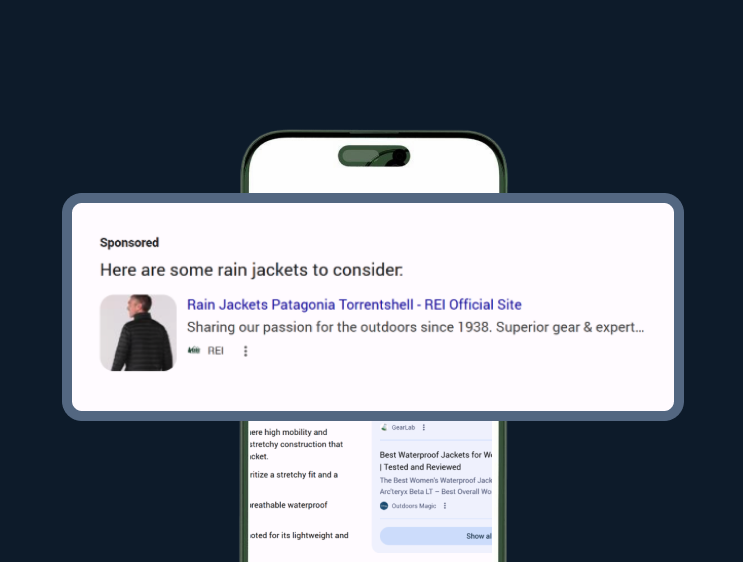
Ever wondered how to get your ads inside Google’s AI Overviews? You aren’t alone. As AI Mode reshapes the SERP, the prime real estate has moved, but you won't find a checkbox in Google Ads to turn it on. Here is the exact strategy to get your brand into the AI summary.

Ads in AI Overviews: How to Optimize Your Google Ads Strategy

TL;DR

You can’t manually “toggle on” AIO ads. To show up, you must use AI-powered targeting (Broad Match/PMax), optimize for informational intent, and maintain a high-quality product feed. Use Adthena’s AIO Impact Index to see the data Google hides.


Published by Charlotte Langston March 23, 2026

As Google transitions from a list of links to an AI-powered answer engine, the real estate on the Search Engine Results Page (SERP) is becoming limited. Advertisers are naturally anxious about how to claim their spot within these AI-generated summaries.

The short answer? There isn’t a toggle switch to turn on AIO ads. However, there is a very specific strategy to ensure you’re eligible. Here is everything you need to know about the current state of ads in AI Overviews and how to optimize for them.

The reality check: No manual targeting

First, let’s clear up the biggest misconception: you cannot explicitly target an AI Overview placement, nor can you opt-out of them specifically. Google treats AIO ad placements as part of the standard Search network.

Currently, these ads are available for English queries on mobile and desktop in specific regions, including the US, Canada, Australia, India, and others. If you are in a sensitive vertical, such as healthcare, finance, alcohol, or gambling, your ads won’t appear in AIOs at all for the time being.

Strategy 1: Embrace AI-Powered targeting

Because AI Overviews trigger on complex, conversational, and “answer-seeking” queries, traditional Exact Match keywords often fall short. To land in an AIO, Google’s algorithm needs to understand the intent of the conversation, not just the keywords.

  • Switch to Broad Match: This is essential. Broad match allows Google’s AI to map your ads to the long-tail, “how-to” questions that typically trigger an AIO.
  • Consider AI Max for Search: Alongside Broad Match, AI Max for Search uses keywordless targeting to expand your reach beyond your keyword list and is eligible to serve ads within AIOs.
  • Leverage Performance Max (PMax): Since Performance Max uses keywordless targeting technology, it is one of the primary drivers for AIO ad eligibility.
  • Smart Bidding: Use value-based bidding to ensure that when Google does slot you into an AI Overview, it’s for a query that aligns with your performance goals.

Strategy 2: Optimize for informational intent

AI Overviews are designed to synthesize information. Therefore, your ad copy shouldn’t just be a hard sell; it should be the solution to the summary Google just provided.

If a user asks, “How do I protect my garden from frost?”, the AIO will provide the steps. Your ad should appear as the perfect tool or service to complete those steps. Focus your creative on How and Why solutions to capture informational search intent.

Strategy 3: Feed the machine (For eCommerce)

For Shopping ads, your Google Merchant Center feed is your best friend. Ads in AI Mode often appear as rich product cards. To show up:

  • Detailed descriptions: Don’t skimp on attributes. Mention materials, specific use cases, and technical specs.
  • High-quality visuals: Provide a diversity of images and videos to power enhanced units.
  • Real-time accuracy: Ensure pricing, shipping, and stock levels are updated constantly.

How do you track AIO performance?

Here is the frustrating part for data-driven marketers: Google does not currently provide a specific report for AIO impressions. In your Google Ads dashboard, these are simply bundled under standard “Search” data and reported as “Top Ads.”

This is where third-party search intelligence becomes vital. Because Google hides the where, tools like Adthena have become essential for visibility.

See what Google isn’t telling you

To solve the “black box” of AI reporting, Adthena offers a free suite of tools that provide the search intelligence Google Ads omits. By leveraging Whole Market View™ data, you can transform the uncertainty of the generative SERP into actionable insights:

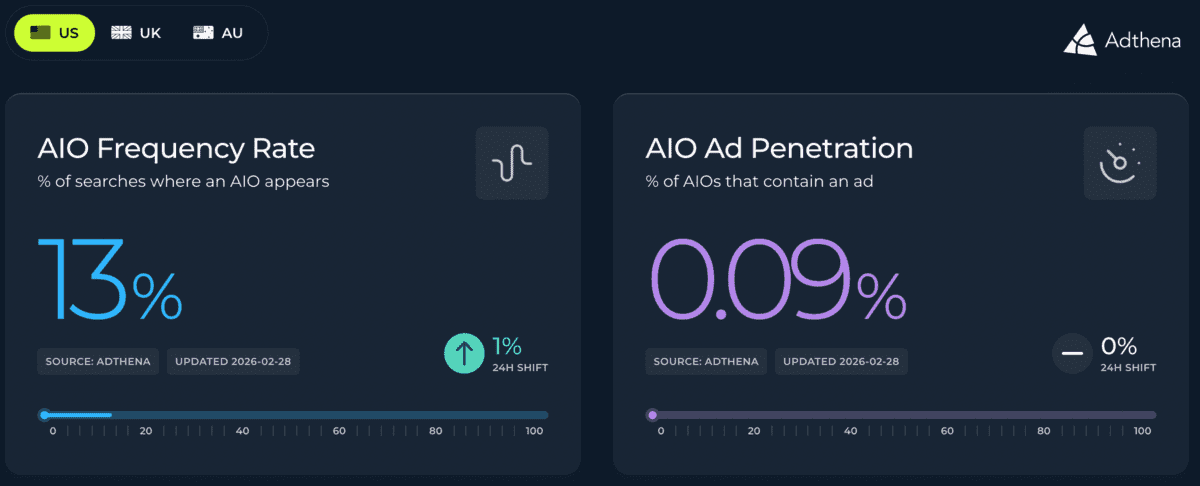
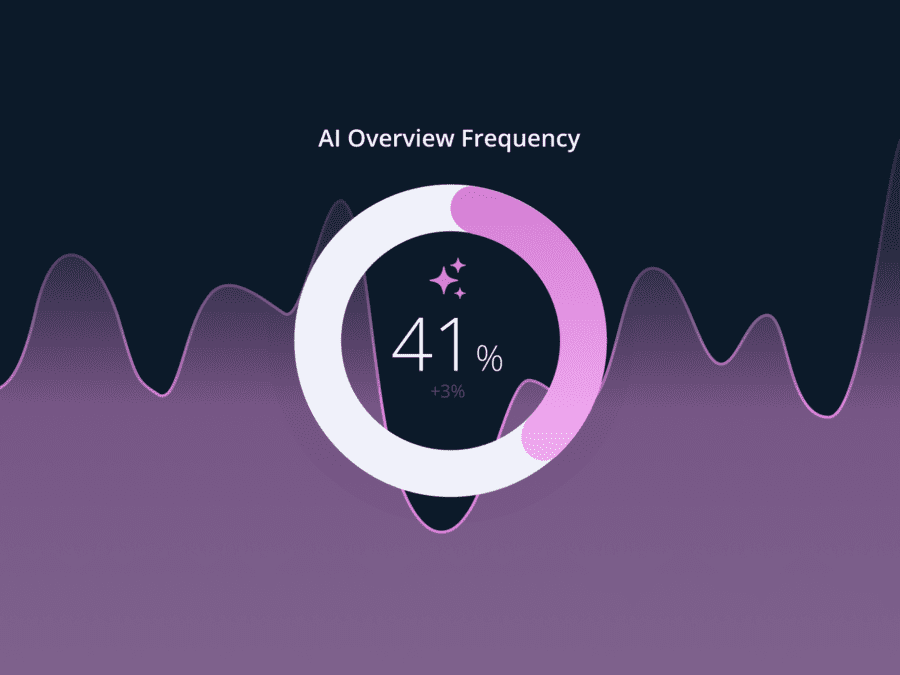
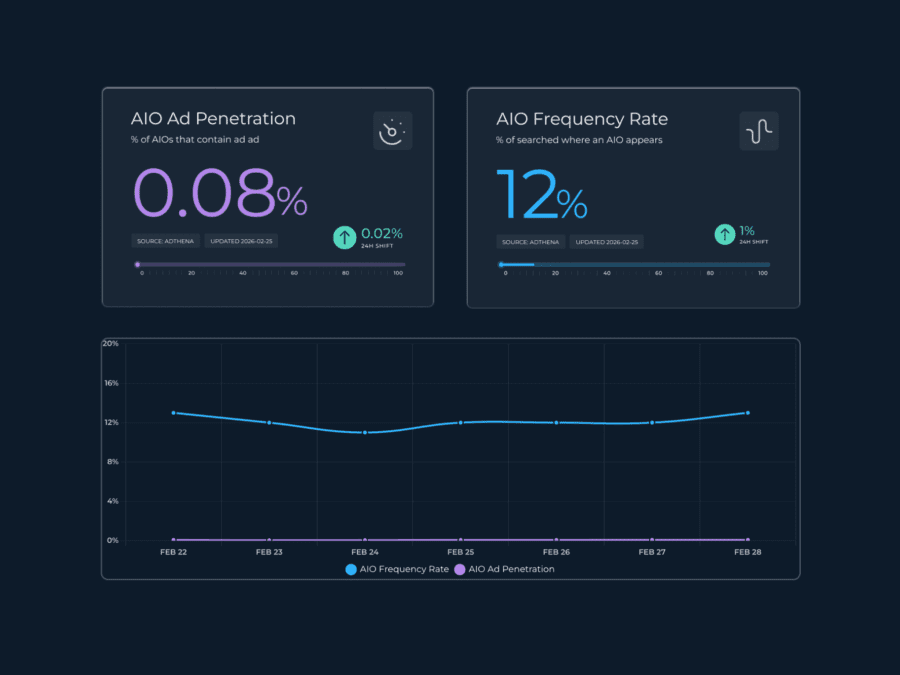
  • Track market shifts with the AIO Impact Index: Monitor AIO Frequency and Ad Penetration across your industry. This helps you distinguish between a “brand problem” and a market-wide shift in how Google triggers AI Overviews.

Adthena's AIO Impact Index showing AIO Frequency Rate and AIO Ad Penetration

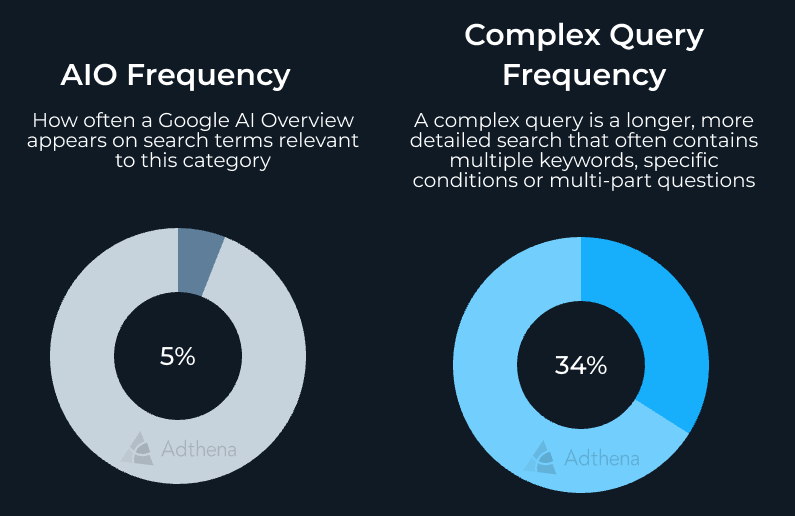
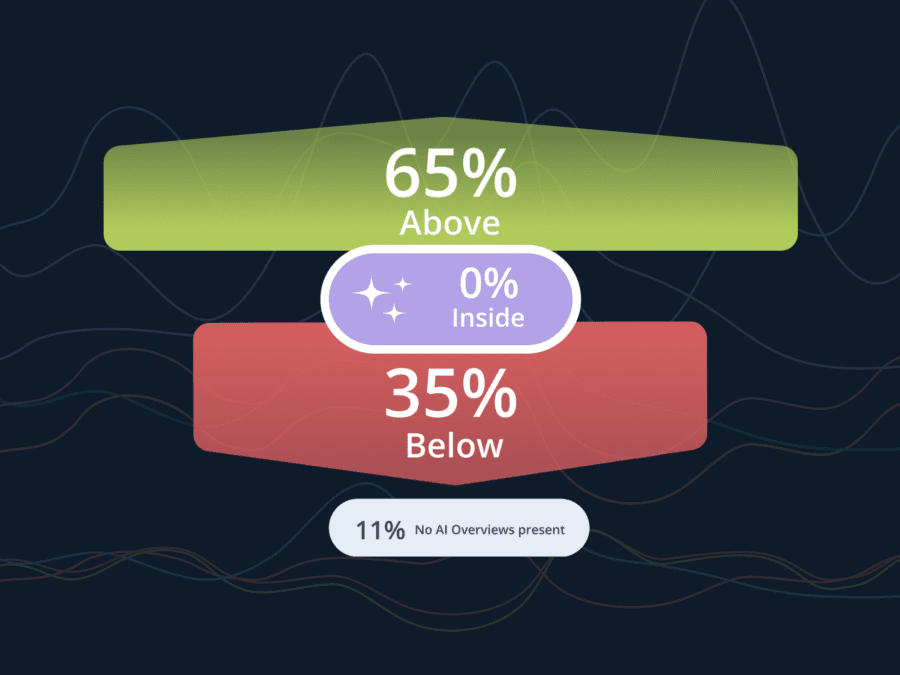
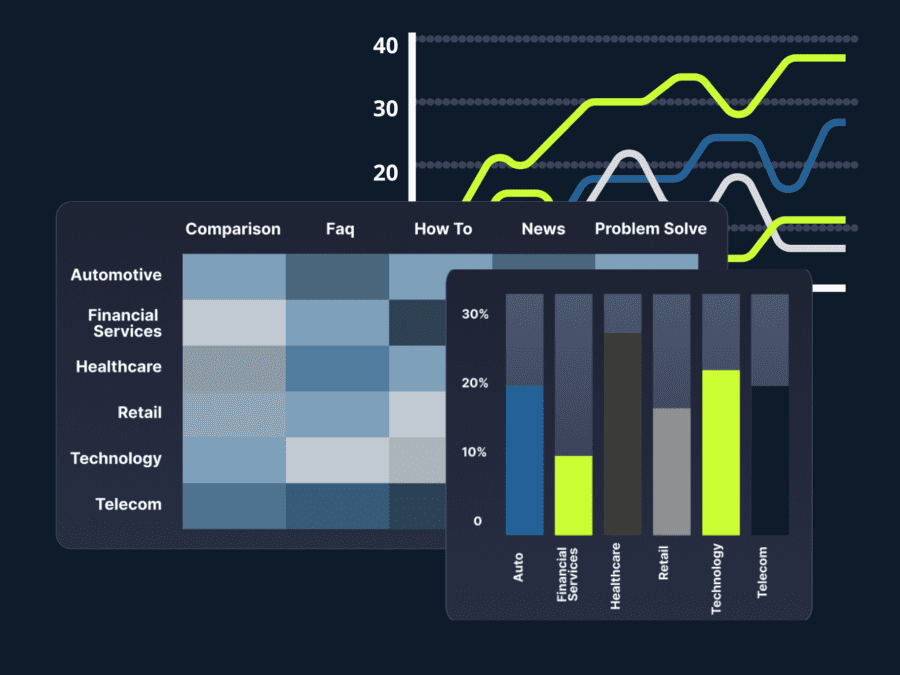
  • Monitor competitors via Market Share reports: See exactly which brands are aggressively capturing AIO SERP space in your vertical. Identify if they are winning through specific structured data or FAQ schemas so you can pivot your own strategy.

Adthena's AIO Impact Index image showing Google AI Overview visibility for Retail Apparel & Accessories US

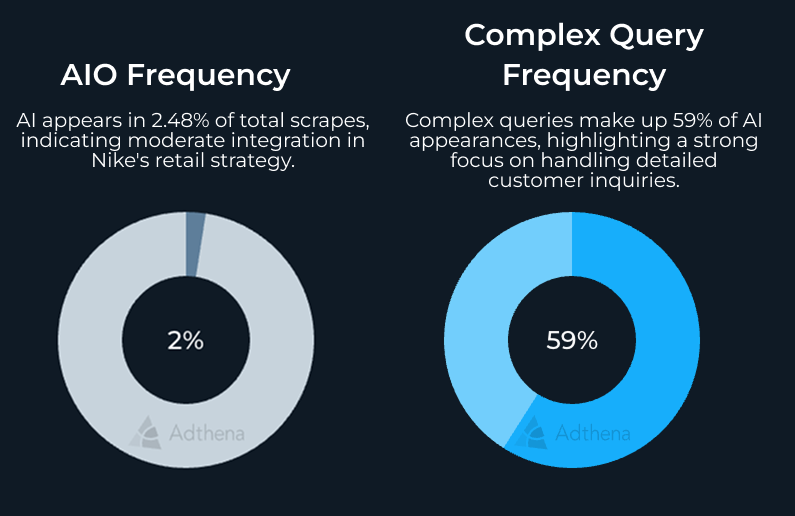
  • Identify citation gaps: Use Adthena to expose blind spots where you rank #1 in traditional search but are missing from the AI Overview. This allows you to bridge the gap with LLM-friendly content and reclaim your authority.
    Adthena's AIO Impact Index showing nike.com US Retail Apparel & Accessories January 2026

Final thoughts

You don’t target AI Overviews; you make yourself eligible for them through broad intent and high-quality data. By shifting your strategy towards AI-powered solutions within Google Ads, optimizing your product feeds, and using tools like Adthena to track what Google isn’t showing you, you can stay ahead of the curve as the SERP continues to evolve.

Is your brand ready for the AI shift? Start by auditing your current AI adoption and checking your informational keyword coverage.

Ready to see your AI Overview performance?

Request a demo and see exactly where your ads (and your competitors) are appearing in the new AI-powered search landscape.

Related content