We updated AdBridge, designed to make launching ChatGPT Ads campaigns faster, easier, and far less manual.
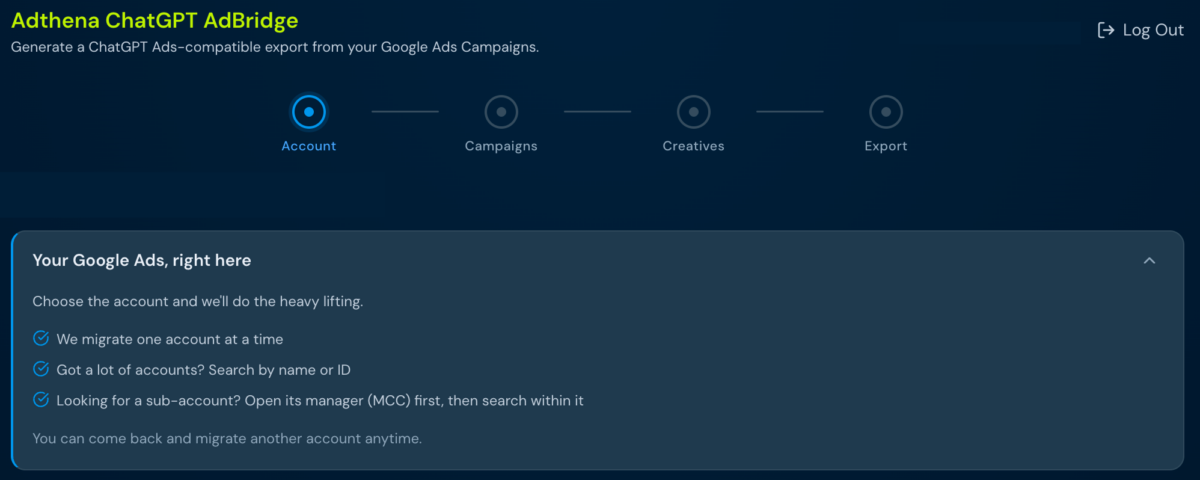
Step 1: Connect your Google Ads account
One-click OAuth. Read-only access, so we never modify, pause, or delete anything in your existing setup. ChatGPT AdBridge syncs your campaigns and lets you select which ones to migrate.
Step 2: AI enriches and analyzes
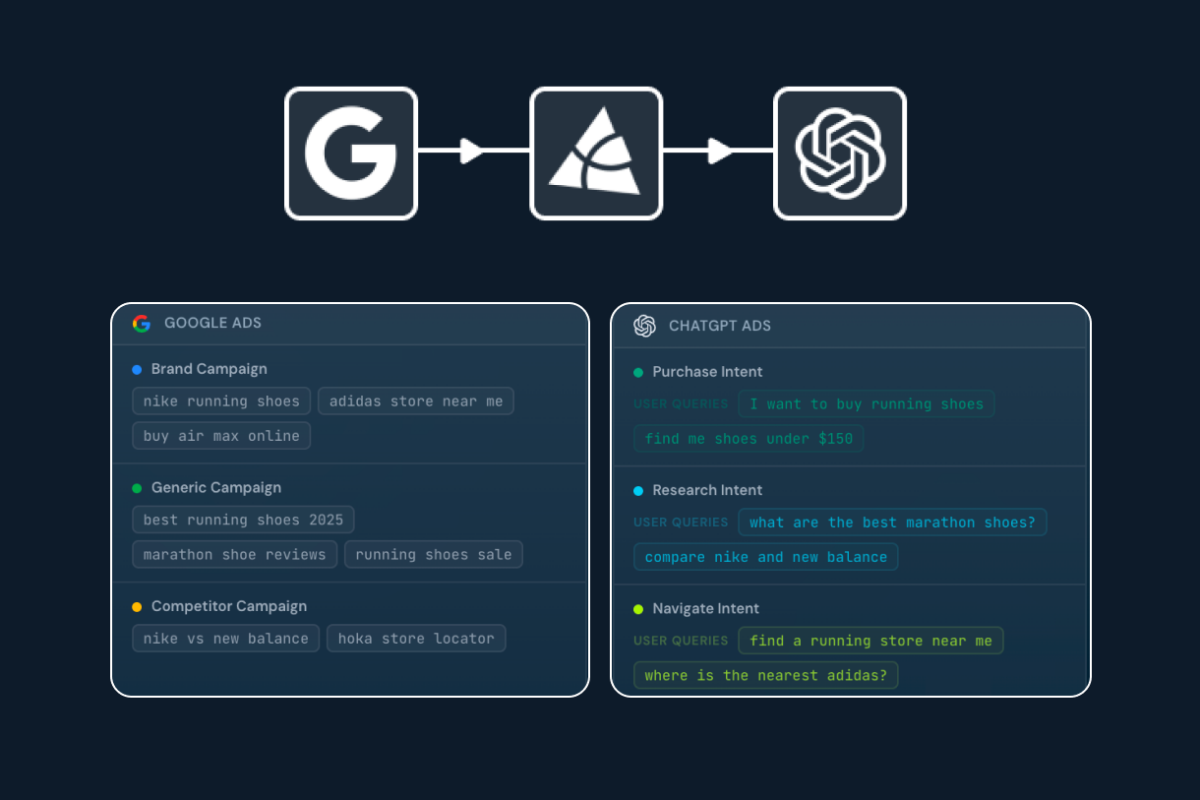
ChatGPT AdBridge uses AI to generate the intent labels and user queries ChatGPT Ads requires, maps intent across your ad groups, expands keyword coverage, and condenses your negatives. All automatically, all in a single session.
Step 3: Review and configure
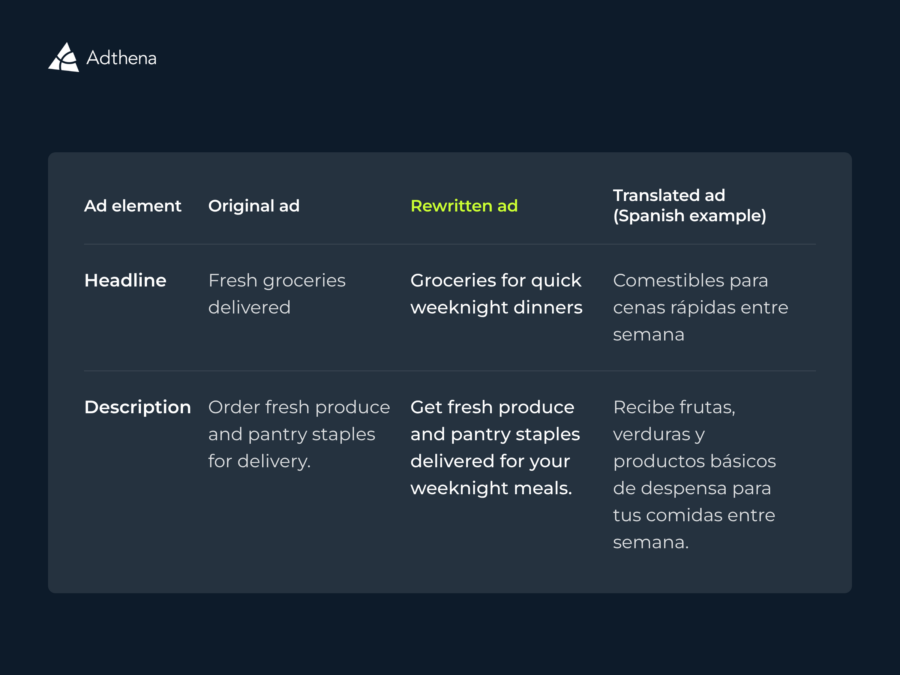
Edit your creatives
OpenAI’s character limits are shorter than Google’s, so you can select and edit titles and descriptions directly in AdBridge before export.
Set campaign details
Set budgets, start and end dates, objective (Views or Clicks), and target country. Apply across all campaigns at once, or configure individually.
Step 4: Files lands in your inbox, import and go live
Three-sheet .xlsx workbook
Campaigns, Ad Groups, and Ads — ready for ChatGPT Ads’ bulk uploader, straight from your inbox.
AI handles the formatting
Anything still over character limits gets auto-shortened on export, with those cells flagged for quick review.